Automatic imports
Find games from Steam, Epic, Ubisoft, Battle.net, Xbox, EA, Start menu entries, shortcuts and manually added executables.
 Josties Game Launcher
Windows game launcher
Launch your PC games from a fast fullscreen launcher with artwork, trailers, controller support, Sunshine integration and importers for Steam, Epic, Ubisoft, Battle.net, Xbox and EA.
App screenshots

Features
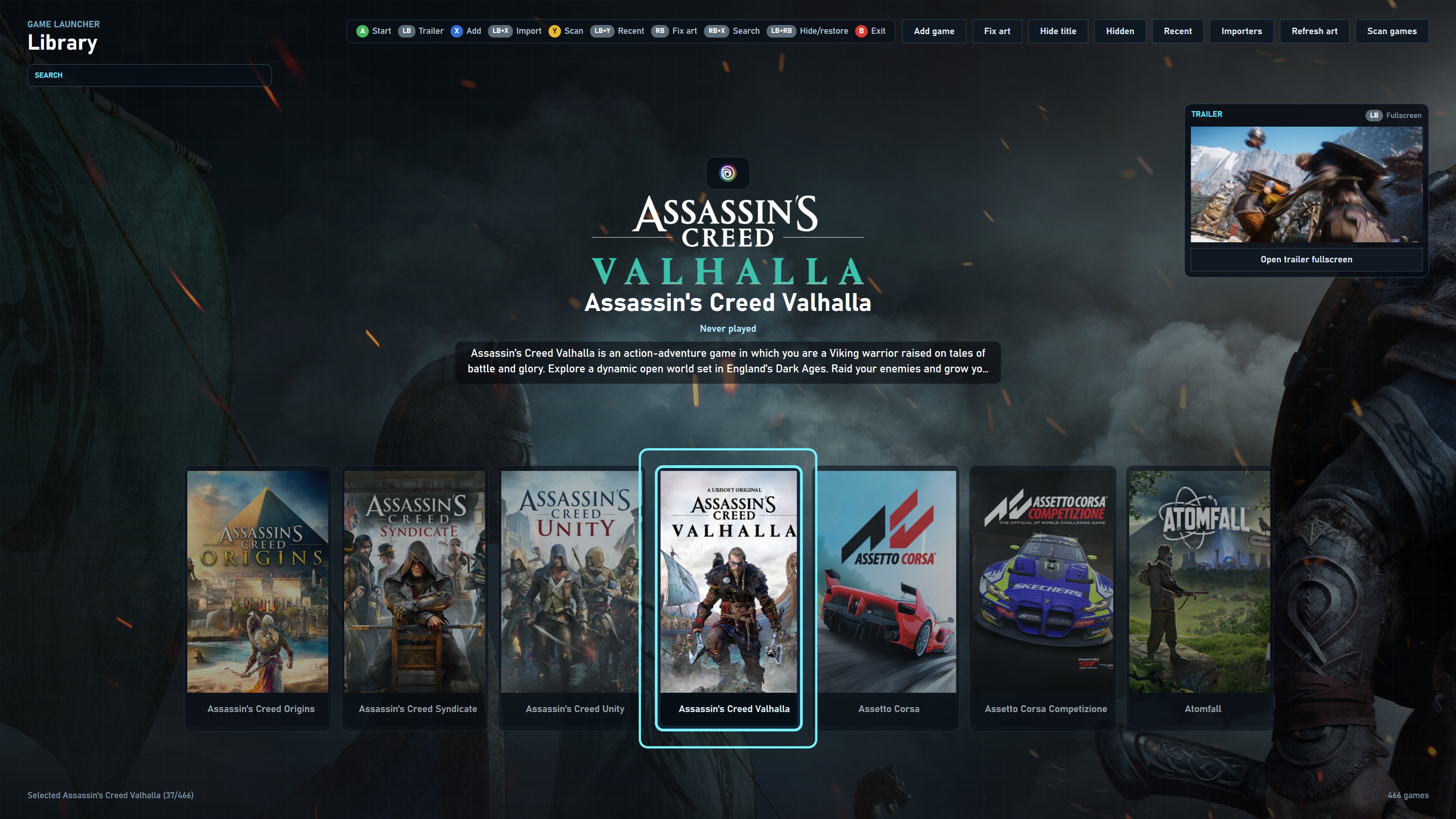
Find games from Steam, Epic, Ubisoft, Battle.net, Xbox, EA, Start menu entries, shortcuts and manually added executables.
Fill covers, hero images, logos and trailers through SteamGridDB, with a repair flow for titles that need a better match.
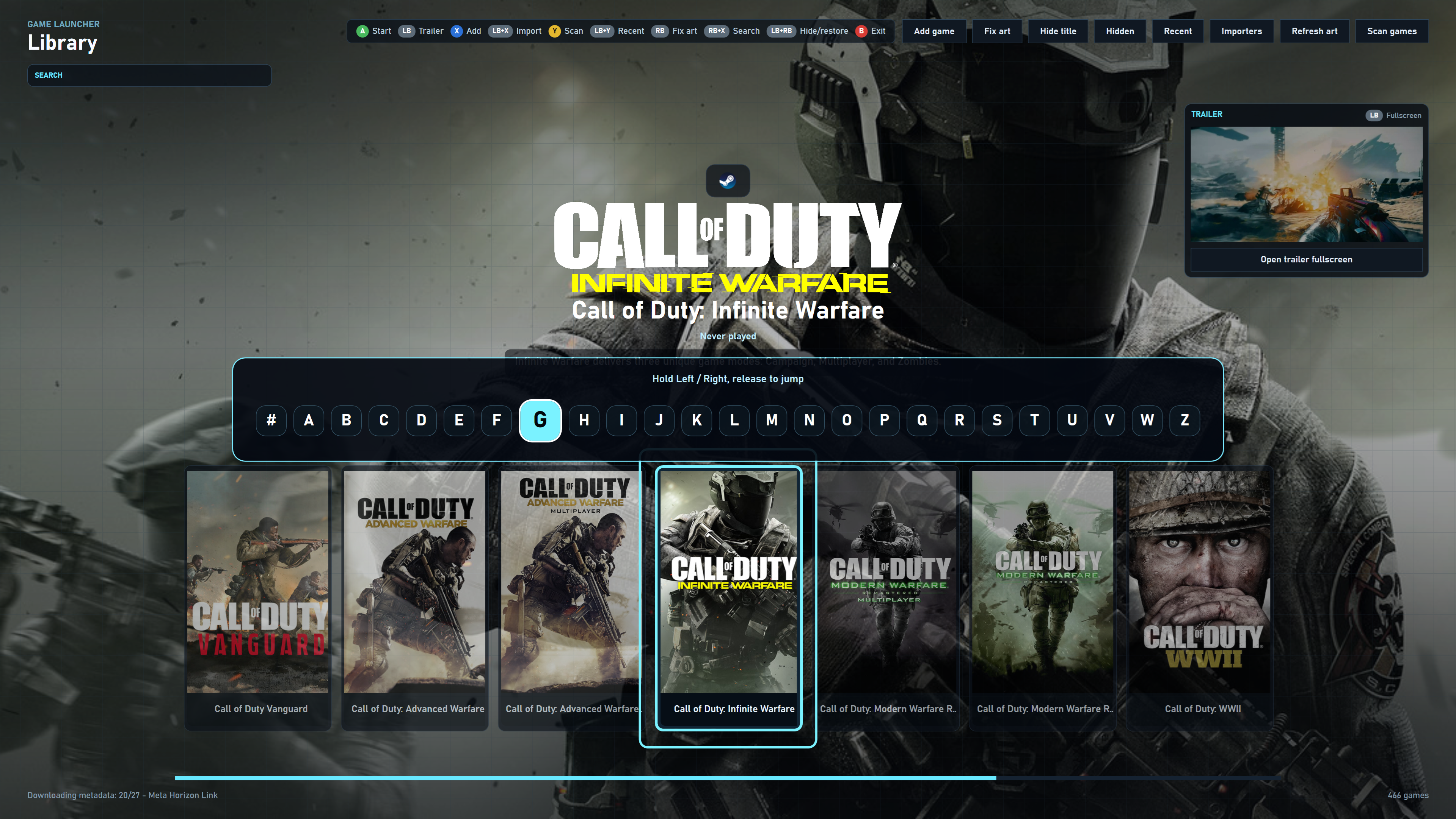
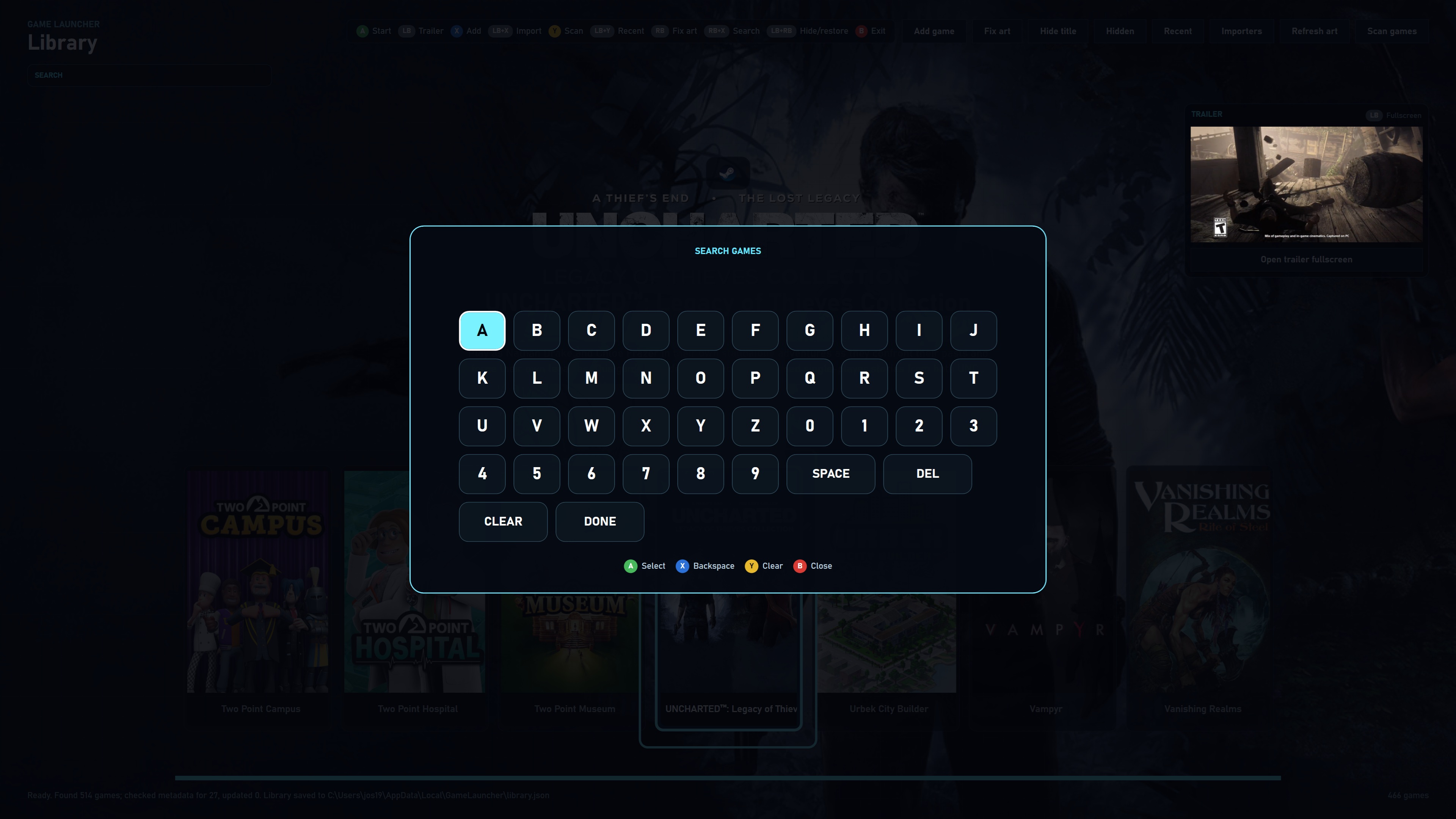
Navigate, launch, search, scan, open importers, repair artwork and hide titles without reaching for a keyboard.
Keep your couch setup ready with automatic Sunshine integration for streaming-friendly launcher access.
Switch to recent mode to jump back into what you played last, with play count and total play time tracking.
Keep clutter out of the main library and restore hidden games later from the Hidden view.
From version 0.1.1 onward, the launcher checks for new releases and verifies downloads with SHA-256 before starting the installer.
Feature requests
Send an idea for the launcher, importers, artwork flow, controller navigation, updates or anything that would make your library easier to use.
Create your SteamGridDB API key before installing. The setup can save it right away.
View the stepsDownload the setup, approve the Windows admin prompt and choose your shortcuts. The launcher is installed into Program Files.
Download setupDownload the manual as a PDF for installation help and details about artwork, importers, hidden titles and updates.
Download PDF